Goals that count every word
FreeSet a daily, weekly, or monthly goal and Novella counts every word you write, so you always know where you stand and can get back to the story.
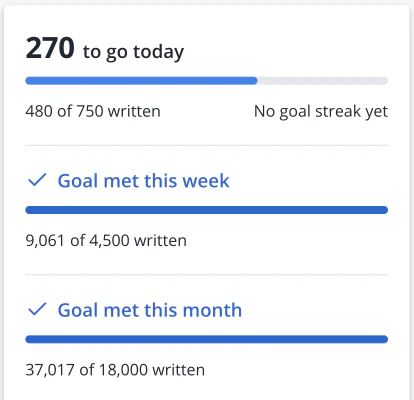
50,000 words in 30 days is 1,667 a day. Novella keeps count, keeps your plot in view, and keeps your book on your own computer, so you can just write.
Free for Mac and Windows, with no account. A few tools below are part of Premium, a one-time purchase, and they’re tagged Premium.
Download NovellaWindows 10 or later or macOS 13 or later
Week 1
Set a goal and write the first words, whether that’s on the 1st or the 5th.
Set a daily, weekly, or monthly goal and Novella counts every word you write, so you always know where you stand and can get back to the story.
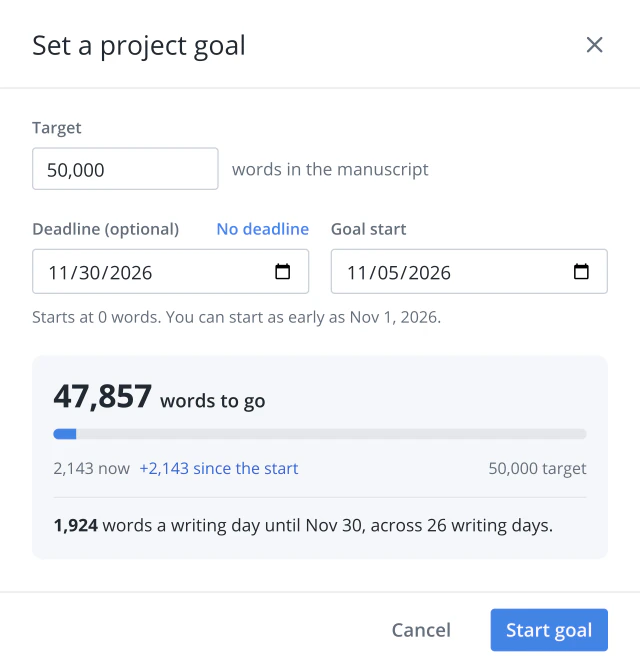
Tell Novella your target and your deadline, and it works out what you need to write each day to finish on time.
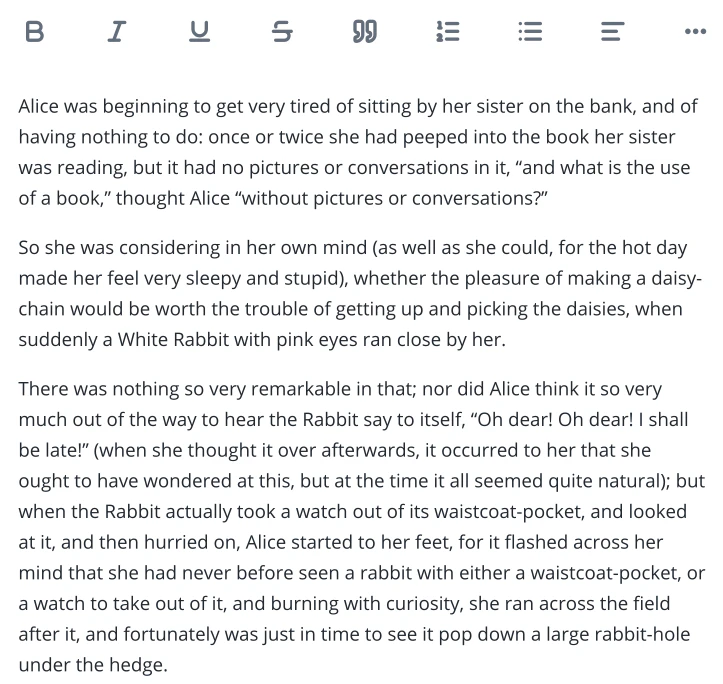
A calm, distraction-free page to write your novel chapter by chapter, in light or dark mode.
Week 2
This is when life gets in the way. Take the day off and keep your goal.
Choose your writing days. Days off never break your daily goal, so one day away doesn’t undo a good month.
Goal streaks Premium
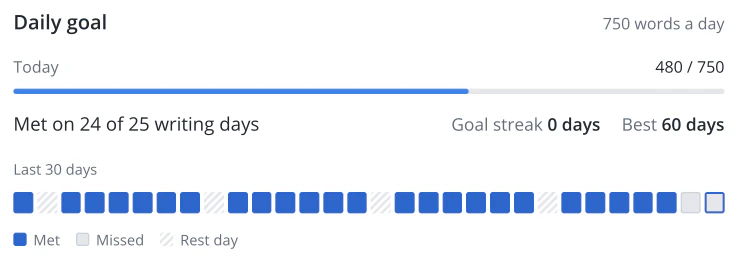
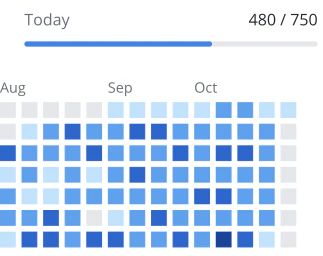
Every day you write becomes a square on your calendar, darker the more you wrote. It’s very satisfying to watch them fill in.
Week 3
Plots tangle and the finish line looks far away. See where the story goes next, and when you’ll get there.
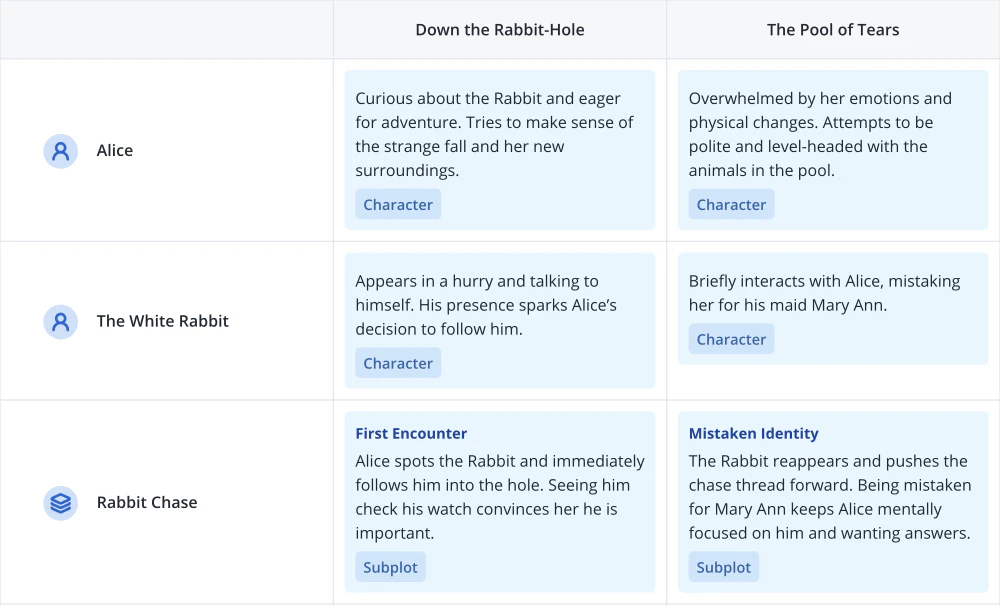
The plot grid lays out every character and subplot across your chapters, so you can see the gaps and what happens next.
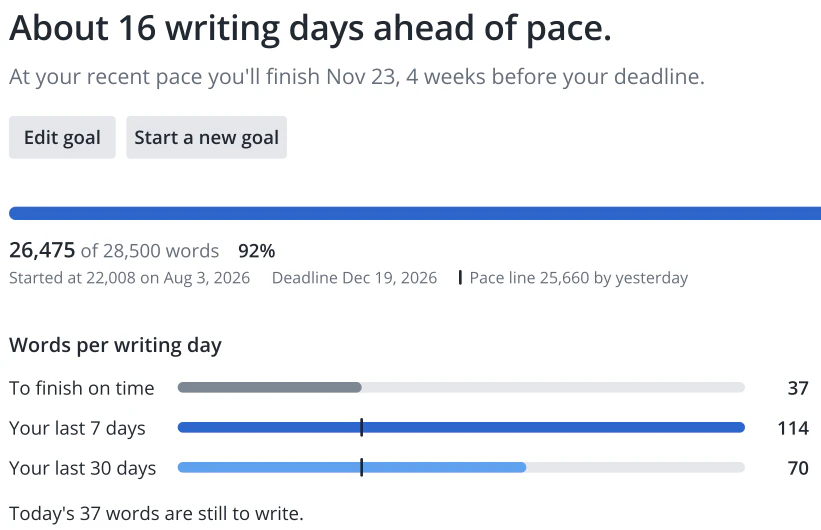
Novella compares your pace with your deadline and tells you where you stand every day of the month, and the day you’ll finish if you keep it up.
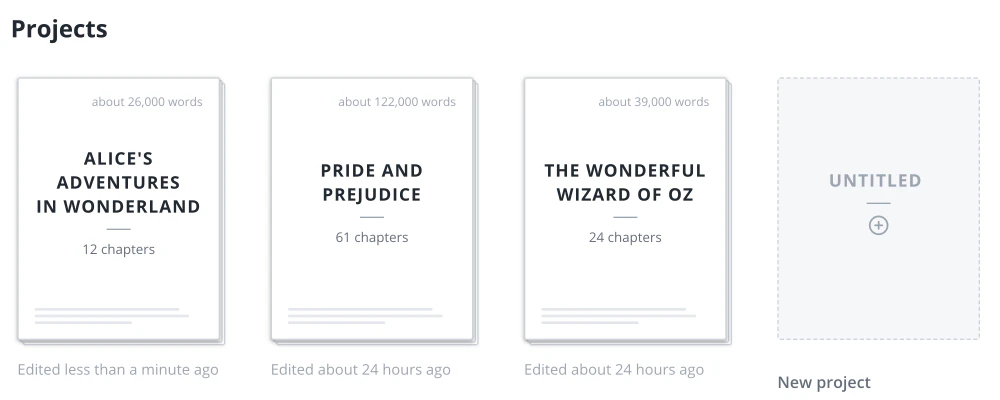
Your novel lives on your computer, not in the cloud. No account and no Wi-Fi needed, so you can write on the flight home for Thanksgiving and pick up where you left off.
Week 4
The last stretch, and then the best part: reading your own book for the first time.
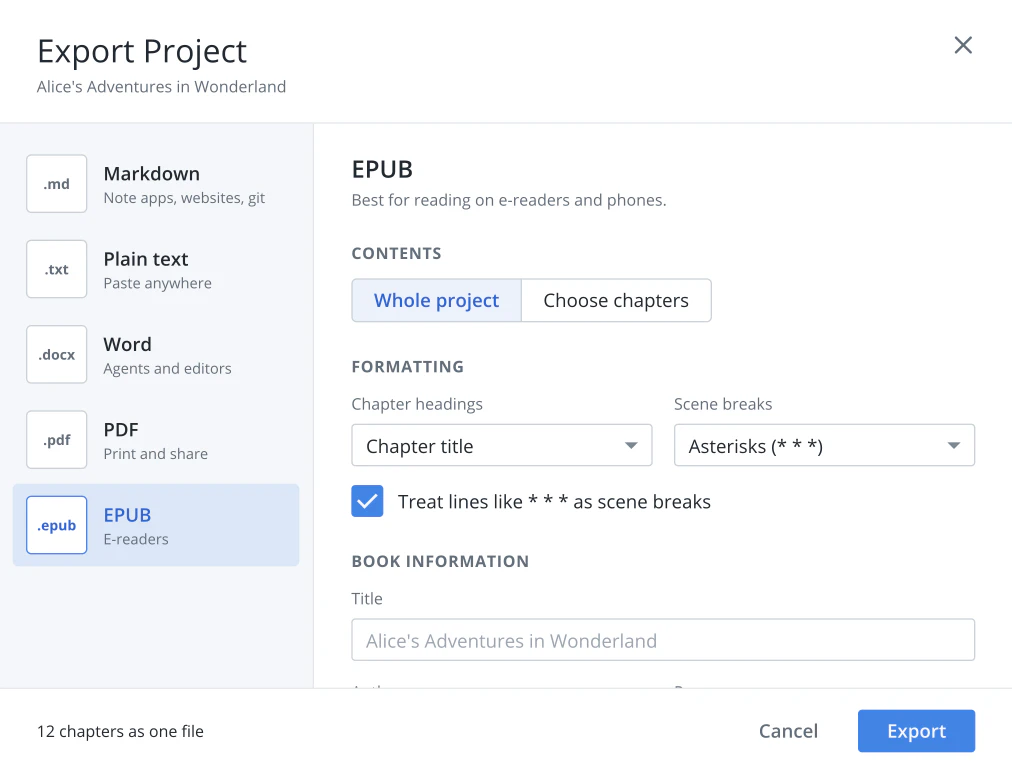
When the draft is done, export it as an EPUB for any e-reader, a typeset PDF to print and share, or a Word file.
On your own computer. You don’t need an account or an internet connection to write. If you want sync and backup between computers, Novella Cloud is an optional, end-to-end encrypted add-on.
No. Novella has no AI features, now or ever. Every one of your 50,000 words is one you wrote.
Free to download and use. Writing and managing your projects on your own computer will always be free.
Version 1.4.1, 268 MB Open the .dmg and drag Novella into your Applications folder.
Download for macOSVersion 1.4.1, 147 MB Open the .exe and follow the installer.
Download for WindowsNovella is a desktop app for Windows and macOS. Open novella.app on your computer to download it, and get release notes by email in the meantime.
Once it’s installed, Novella checks for new versions when you open it and offers to install them. Your manuscripts are saved on your own computer, and you can export them to plain text or Markdown at any time. Trouble installing? Open an issue on GitHub.