Writing software built for humans.

Novella is a quiet desktop app for writing and organizing a novel. It has no AI features, now or ever. Every word in your manuscript is one you wrote.

Free for macOS 13 or later and Windows 10 or later.

Writing a novel this November? See how Novella helps

An example Plot Grid layout, outlining Alice's Adventures in Wonderland. Drag a card to another cell.

Novella will never write a word for you.

There are no AI features in Novella, and there are no plans to add any ever. Nothing in it generates, rewrites, or suggests prose.

The word counts, snippets, outlines, and task lists are there to help you achieve your goals. Everything in Novella comes from you.
Not in Novella

  • Text generation
  • Rewriting your sentences
  • Suggested prose
  • Chat assistants
  • An "improve my writing" button

Your book, one chapter at a time.

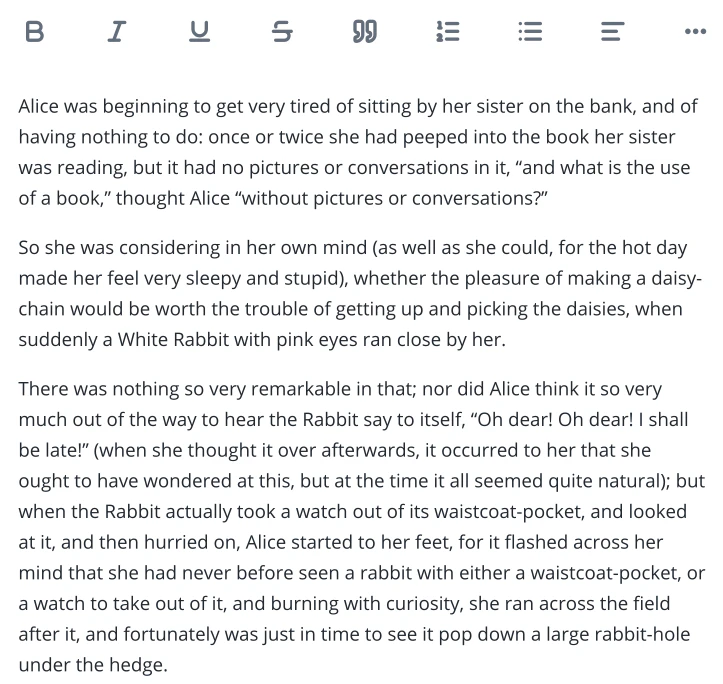
Novella keeps your manuscript in separate chapter documents instead of one enormous document. This helps Novella stay fast and responsive, even with long books and many projects. Drag and drop chapters to quickly and easily reorder them.

Down the Rabbit-Hole Chapter 1 of 12

Supporting your writing process

  • Snippets

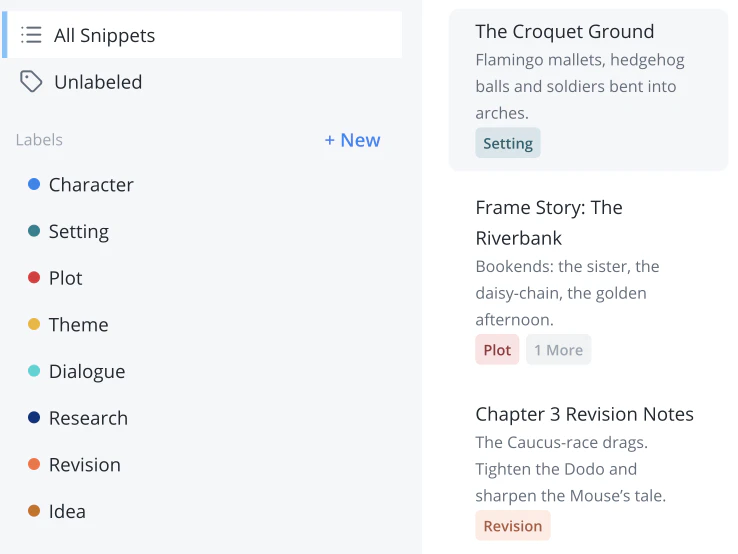
    Use Snippets for world-building notes, character sheets, outlines, deleted scenes, or whatever else you want! They are always next to your manuscript and categorized however you like.

  • Word counts

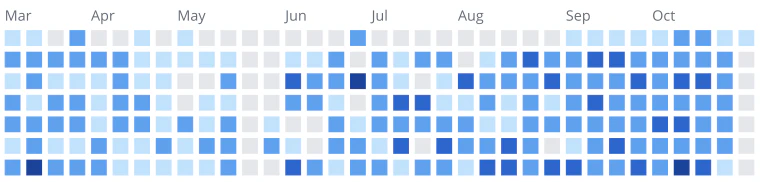
    What you wrote by day, week, month, and year. Set personal daily, weekly, or monthly goals to aim for. Novella is always keeping track of your progress.

  • Personalization Settings

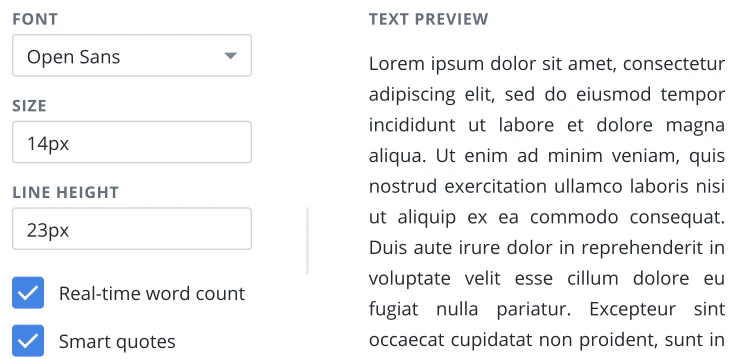
    Pick the font, text size, and line height of your writing experience. Switch between light and dark modes. Choose to show or hide realtime word counts. Enjoy your tool how you want it.

  • Task lists

    Every project gets its own task list for whatever you need to keep track of. No need to pollute your writing with things to remember.

Download Novella.

Free to download and use. Writing and managing your projects on your own computer will always be free.

macOS macOS 13 or later

Version 1.4.2, 269 MB Open the .dmg and drag Novella into your Applications folder.

Download for macOS

Windows Windows 10 or later

Version 1.4.2, 147 MB Open the .exe and follow the installer.

Download for Windows

On a phone or tablet?

Novella is a desktop app for Windows and macOS. Open novella.app on your computer to download it, and get release notes by email in the meantime.

Once it's installed, Novella checks for new versions when you open it and offers to install them. Your manuscripts are saved on your own computer, and you can export them to plain text or Markdown at any time. Trouble installing? Open an issue on GitHub.